
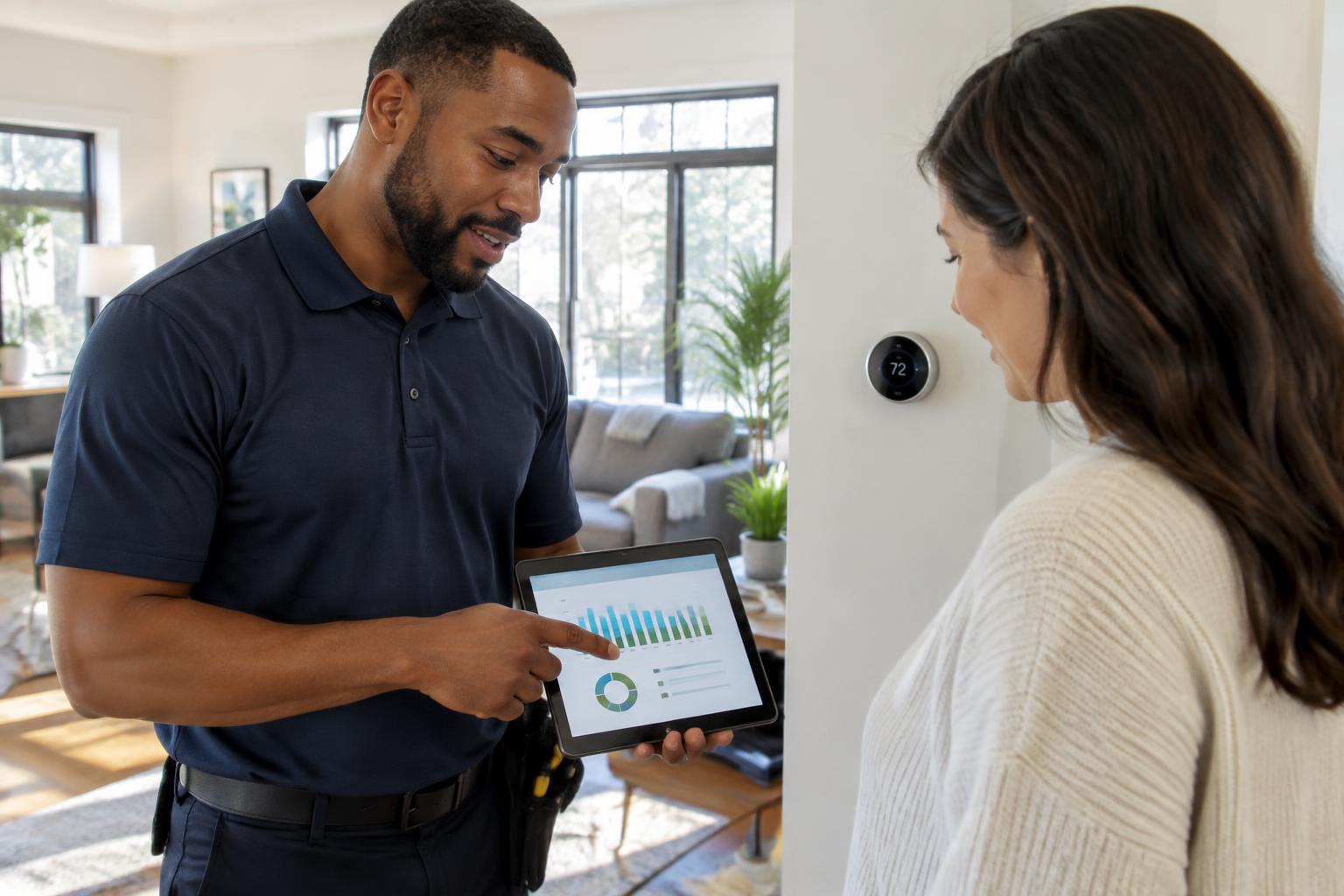
How to Pick Smart Home Electrical Upgrades for Energy Savings
Table of Contents
- Comparing Smart Home Electrical Upgrades: What Saves the Most
- Smart Thermostat Energy Savings in Humid Lowcountry Climates
- Whole-Home Energy Monitor Installation: Seeing Where Your Power Goes
- Smart Power Strips for Home Office: Killing Phantom Load
- Smart Lighting, Sensors, and Plugs: Low-Cost Wins That Add Up
- Electrical Safety, Panel Capacity, and Code Before You Install
- Prioritizing Upgrades by Home Type, Budget, and Realistic Payback
- Scheduling Your Smart Home Electrical Assessment
- Frequently Asked Questions
Reviewed: November 9, 2026. Savings depend on your home, equipment, electric rate and how consistently schedules are used.
Key takeaway: The best smart home upgrades for energy savings start with the devices that control your biggest loads: often a smart thermostat and a whole-home energy monitor, then smart power strips and lighting controls. Match each upgrade to your home's actual electricity use, and have a licensed electrician check wiring and panel capacity before hardwired work.
Comparing Smart Home Electrical Upgrades: What Saves the Most
The best smart home upgrades for energy savings are the ones that match your home's actual electricity use, not the ones with the flashiest packaging.
Many homeowners get this backwards. They buy a smart plug first because it's cheap, then wonder why the utility bill barely moves.
Quick Comparison Table: Upfront Cost, Savings Potential, and Installation Effort
Relative cost and savings depend on home size, panel condition, device brand and use, so treat this table as a starting point and request a written quote for installation work.
| Upgrade | Relative Upfront Cost | Savings Potential | Installation Effort |
|---|---|---|---|
| Smart thermostat | Low to moderate | Can be meaningful; controls HVAC runtime | Varies; may need a C-wire |
| Whole-home energy monitor | Moderate | Indirect; reveals waste | Installed at the panel by an electrician |
| Smart power strips | Low | Modest; cuts standby load | Plug-in, no wiring |
| Smart lighting and sensors | Low to moderate | Modest; cuts lighting hours | Bulbs plug in; switches need wiring work |
| Smart plugs and outlets | Low | Low to modest | Plug-in or professional receptacle work |
Smart Thermostat Energy Savings in Humid Lowcountry Climates
Smart thermostat energy savings depend largely on scheduling and occupancy. A schedule that eases cooling in an empty house can reduce runtime. The catch is compatibility: many smart thermostats need a common wire (C-wire), and some older systems do not have one. Check the thermostat maker's compatibility tool for your HVAC equipment before you buy.
Why Humidity Control Matters More Than Temperature Alone
Hot, humid summers place heavy demands on HVAC systems. A schedule that lets the house warm slightly when nobody is home can reduce runtime, but humidity control matters for comfort and moisture. Look for models with humidity sensing, and ask your HVAC technician how fan settings affect dehumidification on your system, since running the fan after cooling can return moisture to the air on some equipment.
Whole-Home Energy Monitor Installation: Seeing Where Your Power Goes
Whole-home energy monitor installation is the step many guides skip, and it can change behavior quickly. A monitor uses current transformers (CTs) installed around the service conductors and, on circuit-level units, individual branch circuits to report electricity use. You stop guessing which appliance drives your bill and start seeing it.
What a Monitor Actually Measures
Most residential monitors fall into two tiers. Service-level monitors measure the main service conductors and report whole-home consumption; they cannot separate the water heater from the HVAC. Circuit-level monitors add CTs on individual circuits so you can see the pool pump, dryer or garage freezer as distinct loads.
Data granularity matters. Short sampling intervals help catch short cycling, and enough stored history lets you compare week over week. Cloud dashboards are convenient, but an export option makes the verification step below easier.
Panel Compatibility and Installation Realities
Installation happens inside the panel, near energized conductors. Panel work belongs with a licensed electrician who checks space in the enclosure, CT orientation and the manufacturer's instructions. Do not open a panel cover yourself.
Watch out: CTs installed backward or on the wrong conductor produce inverted or doubled readings, which makes every downstream decision wrong. Ask the installer to verify readings against a known load before you trust the dashboard.
Using the Monitor to Verify Savings
Before you change anything, establish a baseline: record two to four weeks of daily and weekly consumption, note outdoor temperatures, and log occupancy patterns such as vacation weeks, guests and work-from-home days. After each upgrade, compare the same length of time against the baseline while accounting for weather and occupancy; a cooler week will flatter a thermostat, and a guest visit can mask a lighting upgrade.
A practical method is to change one thing at a time, hold the schedule constant for at least two weeks, and compare energy use per cooling degree day rather than raw kWh. Circuit-level data can turn a vague "the bill went down" into a more defensible number.
Smart Power Strips for Home Office: Killing Phantom Load
Smart power strips for home office setups can reduce standby power, the electricity devices draw when they're "off." Televisions, monitors, printers and chargers can all contribute.
Smart power strips are generally simple to set up. Plug the strip into a wall receptacle, connect the TV or computer as the control device, and let the strip cut power to the rest. Do not plug power strips into each other or into extension cords. If your setup needs more receptacles, we can add or replace an outlet to code.
Smart Lighting, Sensors, and Plugs: Low-Cost Wins That Add Up
Automated lighting can deliver modest savings. LED bulbs use a fraction of the electricity of incandescent bulbs, and pairing them with occupancy sensors stops lights from burning in empty rooms. For built-in fixtures, see recessed lighting installation with dimmer controls. Dimming can also trim consumption.
Smart plugs can handle smaller loads such as lamps, fans, dehumidifiers and holiday lighting. Check each plug's rating against the device; scheduling and remote control make them useful, though they are unlikely to move a bill much on their own.
Electrical Safety, Panel Capacity, and Code Before You Install
Electrical safety comes before any smart device purchase. Every new hardwired load adds to the electrical system's demand, and a panel's rating or age alone does not tell you whether it has capacity; an electrician assesses equipment condition, breaker space, the calculated load and planned additions.
Code matters too. Ground-fault protection is required in locations such as kitchens, bathrooms, garages and outdoors under the electrical code as locally adopted, and smart switches must be compatible with the wiring in your boxes, including whether a neutral is present.
Watch out: adding high-draw devices to a system without available capacity can cause nuisance tripping or overheating. If your panel is old, full or showing signs of heat, a licensed electrician can assess whether an upgrade is needed.
Prioritizing Upgrades by Home Type, Budget, and Realistic Payback
Prioritize smart home upgrades by load size and home type, not by device popularity. In the Lowcountry, summer cooling is often a large share of household electricity use, so upgrades that reduce AC runtime often deserve attention before lighting or plug gadgets. An older home with an aging HVAC system may get the most from a smart thermostat and an energy monitor. A newer build with efficient appliances may benefit more from lighting automation and smart power strips.
A Decision Path by Home Type
- Renters: Skip panel work and hardwired devices unless the landlord approves. Smart plugs, smart power strips, LED bulbs and a compatible smart thermostat or window-unit controller are reversible options.
- Older homes (pre-1980): Have the wiring and panel checked before hardwired purchases. A smart thermostat may need a C-wire, smart switches may need a neutral, and capacity should be assessed.
- Larger homes with high cooling loads: A smart thermostat with humidity sensing, plus a circuit-level energy monitor on the HVAC and water heater, is often a strong starting point. Zoned or multi-system homes benefit from per-system scheduling.
- Households with high standby loads: Home offices and entertainment centers are candidates for smart power strips. Keep freezers, refrigerators and medical devices off automatically switched outlets. Use only monitoring equipment rated for the connected load.
Realistic Payback Without Invented Numbers
Payback depends on your electric rate, the size of the load you control, the device and installation cost, and how consistently the schedule runs.
Watch out: no device saves money if the schedule never gets set. A common failure pattern is a smart thermostat left on hold, or a smart strip whose control outlet is plugged into the wrong device.
A Practical Order of Operations
- Audit first. Install an energy monitor or use a plug-in meter to find the biggest loads.
- Control HVAC. Use a compatible smart thermostat with a sensible temperature and humidity schedule.
- Cut standby load. Use smart power strips in the office and entertainment center.
- Automate lighting. Pair LED bulbs with occupancy sensors in hallways, bathrooms and garages.
- Plan for bigger loads. EV chargers, heat pumps and solar connections need an electrical assessment before purchase.
Check Local Utility Programs Before You Buy
Before committing, check whether your utility offers residential efficiency rebates or demand-response programs for a smart thermostat or connected device. Program availability and terms change, so confirm current offerings directly with your utility and read the device-compatibility requirements; a rebate that requires a specific model can change which option is cheaper.
Scheduling Your Smart Home Electrical Assessment
An assessment turns a shopping list into a plan. A licensed electrician checks capacity, verifies wiring compatibility and identifies which hardwired upgrades fit your home.
EmergenServe is a family-owned, licensed electrical contractor serving the Charleston Lowcountry, handling panel upgrades, EV charger installations, lighting and troubleshooting. Same-day or next-day appointments may be available; we confirm the next window for your location and project. If you're comparing contractors, request service from EmergenServe for a written quote on the agreed scope.
Frequently Asked Questions
Do plug-in energy-saving devices actually reduce electricity bills?
Plug-in devices that cut standby power, like smart power strips, can reduce electricity use, but savings depend on how many devices you have and how often they sit idle. A smart power strip on a home office setup can trim standby load, but a single plug-in device on one appliance rarely changes a bill much. Be skeptical of "energy saver" boxes that claim to cut a whole-home bill; measure your own usage instead.
How do smart thermostats help manage HVAC costs in humid climates like North Charleston?
A smart thermostat can reduce runtime by following a schedule matched to when the home is occupied, and some models let you monitor humidity. In a humid climate, the air conditioner does much of the dehumidifying, so ask your HVAC technician how setpoints and fan settings affect moisture on your equipment. A well-programmed thermostat can help manage cooling costs without making the house feel clammy.
What is the difference between smart plugs and smart power strips for energy management?
A smart plug controls one device and may report its individual usage, which is useful for tracking a specific appliance within the plug's rating. A smart power strip controls several devices at once and can cut standby power to a whole desk or entertainment center, often with an always-on outlet for a router. Use smart plugs for measurement and single-device control, and smart power strips for grouping electronics.
Are smart electrical panel upgrades worth the investment for energy savings?
A smart panel provides circuit-level monitoring and remote control, which helps you find wasteful loads and manage large draws like EV chargers and heat pumps. Energy savings alone rarely justify the cost; the value comes from visibility and load management. Have a licensed electrician assess your existing equipment, capacity and code requirements before deciding.
Most homes use electricity in places nobody looks. EmergenServe can help you find those loads, confirm your electrical system can support the upgrades, and install hardwired devices correctly, with repair and installation work quoted in writing before approval.
